
See Switchyard running.
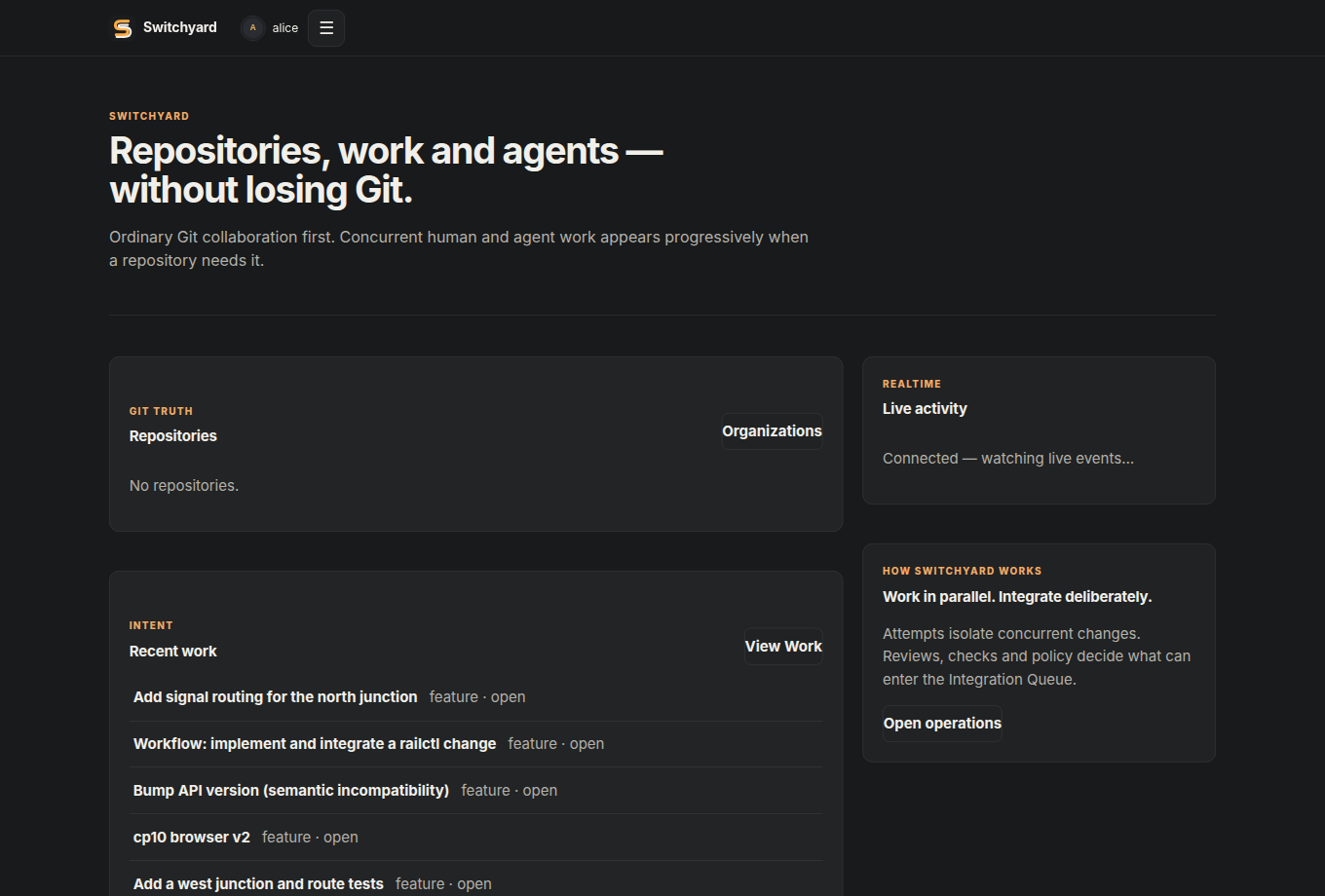
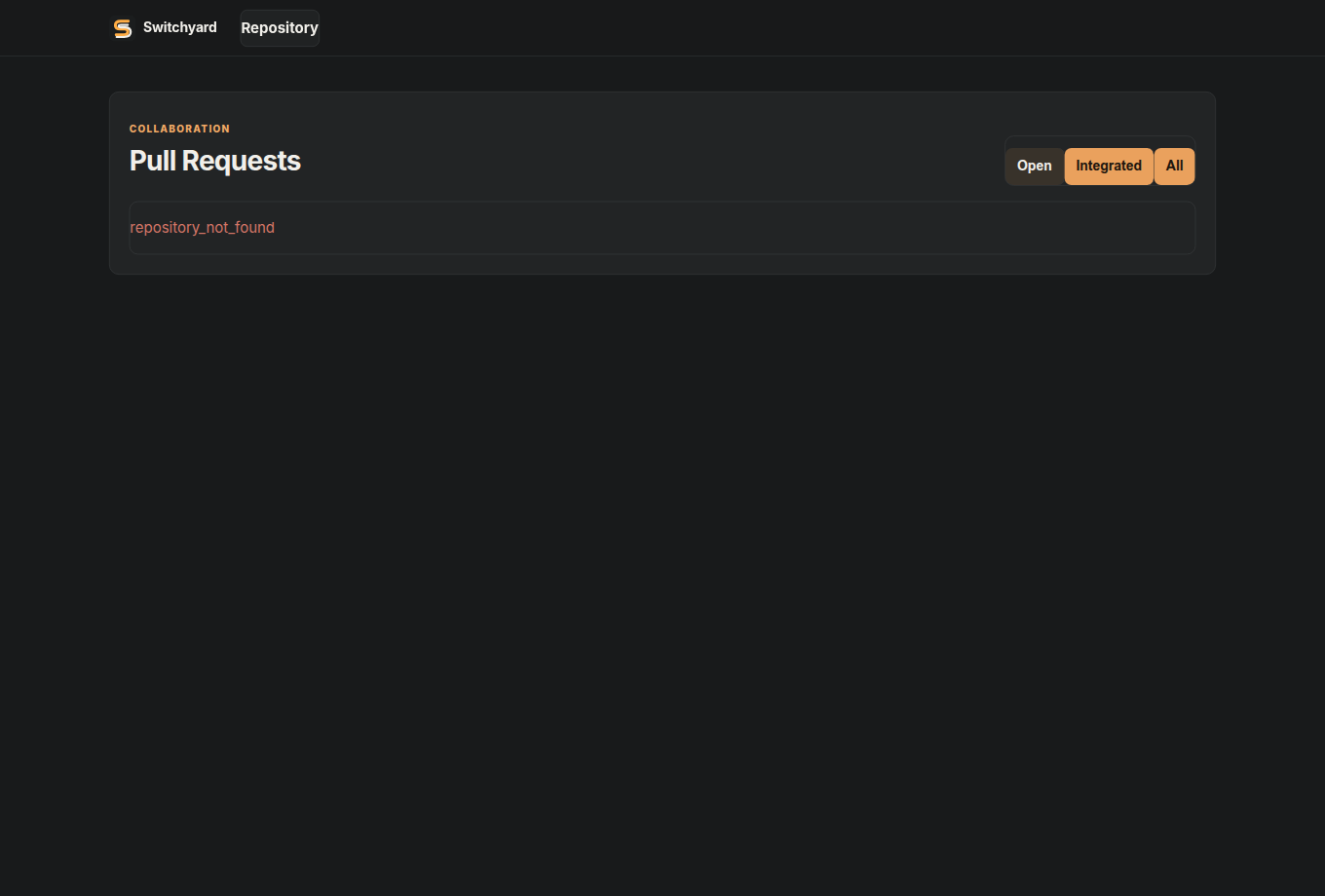
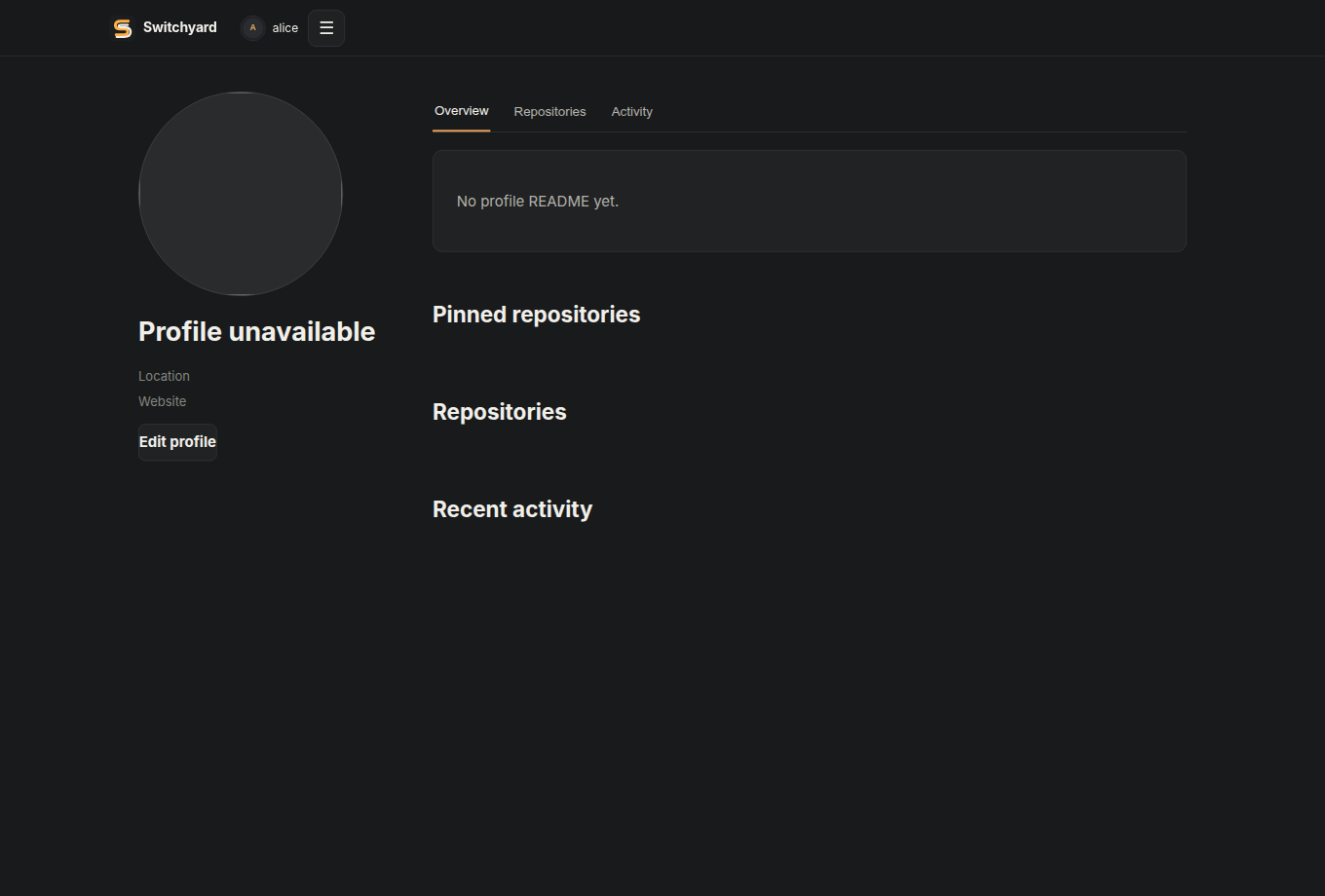
Real screenshots from the working product, driven by curated demo repositories (ordinary Git, concurrent agent attempts, conflicts, and a durable workflow).
What the product now covers
Users & organisations
Large avatars, profile READMEs, pinned repositories, memberships, teams and settings.
Repository collaboration
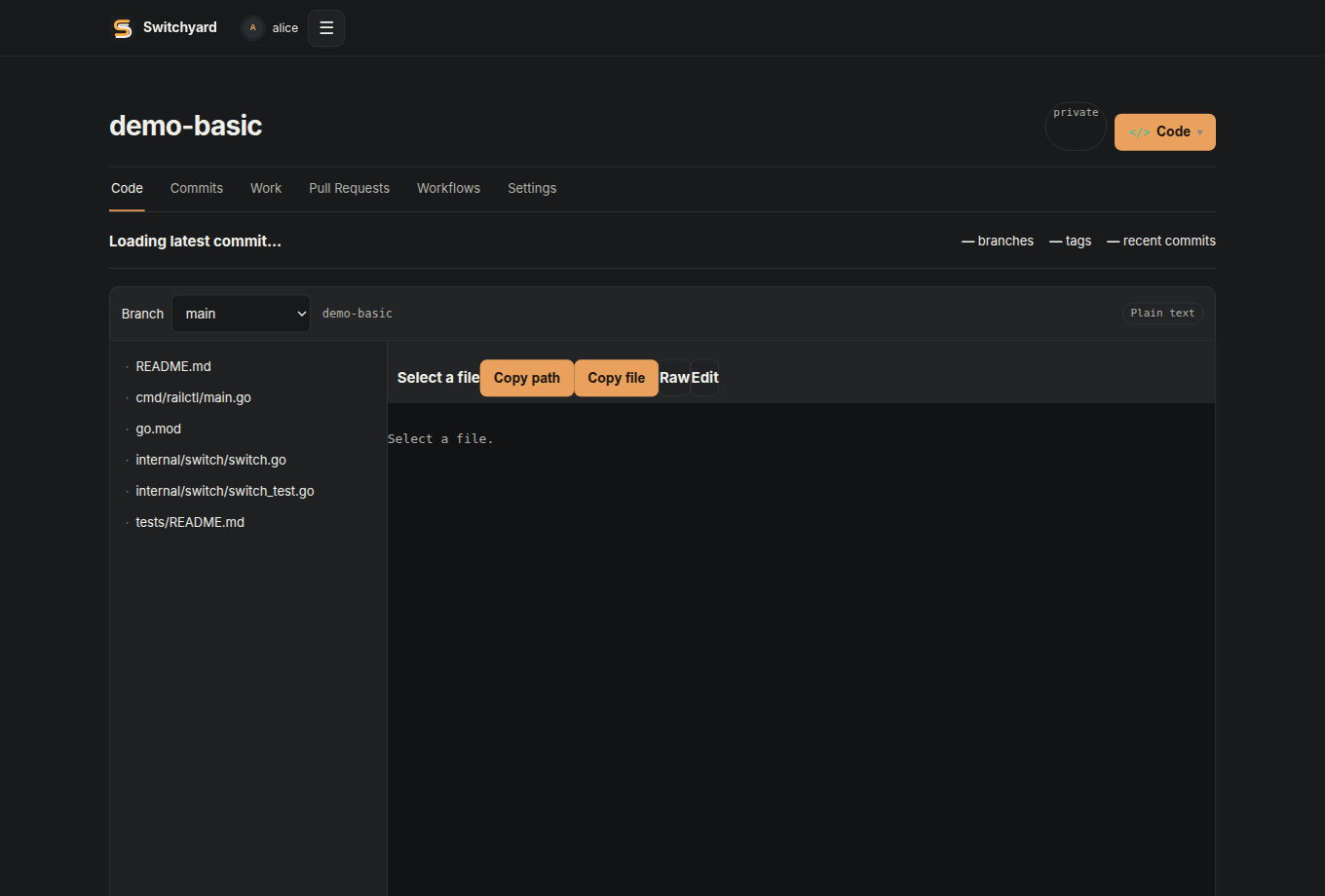
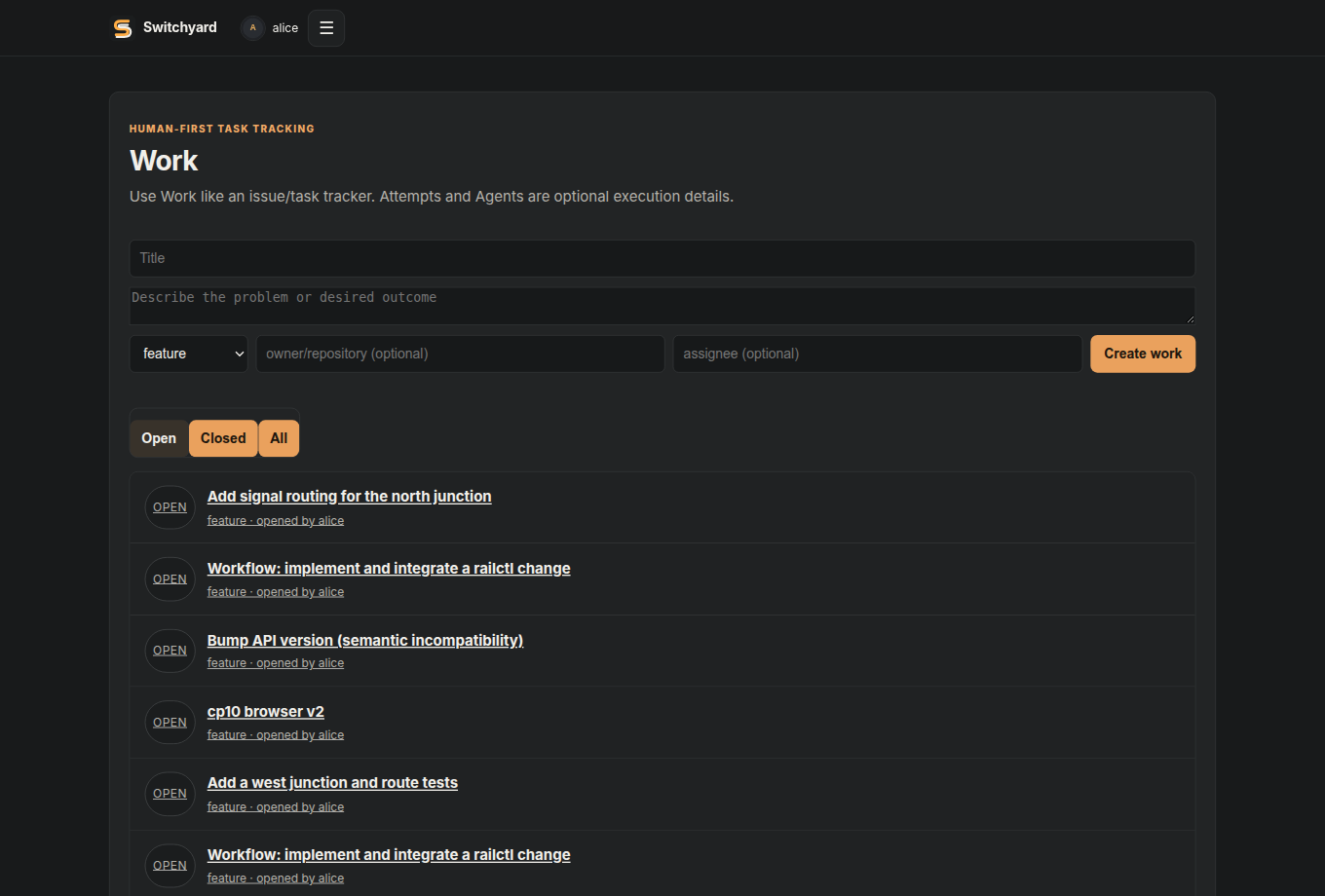
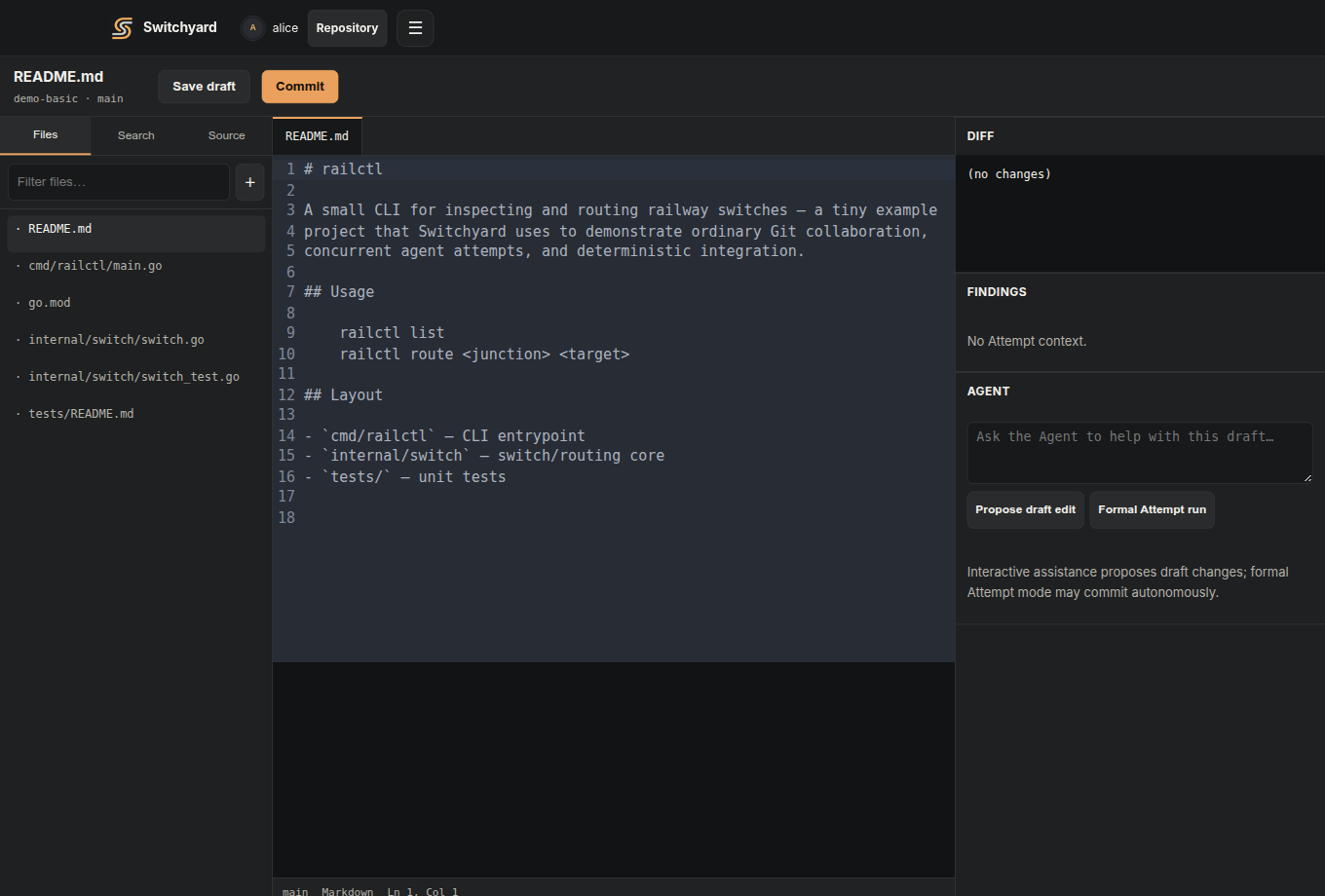
Source browsing, commit history, Pull Requests, Work, access controls and repository settings.
Advanced when needed
Durable workflows, Integration Queue, Review Findings, semantic conflicts and Needs Attention.
Demo repositories
The demo environment ships five curated repositories, themed around a small
railctl project:
- demo-basic — ordinary human Git usage: history, a feature branch, an open PR.
- demo-agents — one Work item, two concurrent agent attempts, a review.
- demo-conflict — two attempts editing the same line: preview finds the textual conflict, the repair loop resolves it.
- demo-semantic — Git merges cleanly, but a repo contract is violated: Switchyard detects the semantic conflict and blocks the queue.
- demo-workflow — a durable JS workflow that implemented, checked, and integrated a change.
How to view it yourself
The application is a self-hosted control plane currently bound to
127.0.0.1:8080 on the CP0 development host. The cleanest way to
see it today is an SSH tunnel:
ssh -L 8080:127.0.0.1:8080 switchyard-cp0
# then open http://127.0.0.1:8080/
There is not yet a public demo URL. A safe public staging deployment is a planned next step (see Status), rather than exposing an administrative service directly.
What to look for in each demo
| Repository | Open this surface | What it demonstrates |
|---|---|---|
demo-basic | Repository → history → Pull Request | The ordinary Git-host experience without requiring any Agent concepts. |
demo-agents | Work → Attempts → review | One intent producing multiple isolated candidates with durable execution evidence. |
demo-conflict | Pull Request / Needs Attention | A real textual Git conflict discovered during preview and routed through repair. |
demo-semantic | Findings / Integration Queue | A clean Git merge blocked because the merged repository violates a deterministic contract. |
demo-workflow | Operations → Workflows | Durable programmable orchestration moving through implementation/check/integration steps. |
The screenshots are product evidence, not mockups
The images on this page were captured from the real Switchyard application against the development control plane. That matters because the UI has been driven by the same live APIs, repository state and concurrency semantics used in the checkpoint gates. As the product evolves, these screenshots should be refreshed from the deployed demo rather than replaced with idealized mockups.